
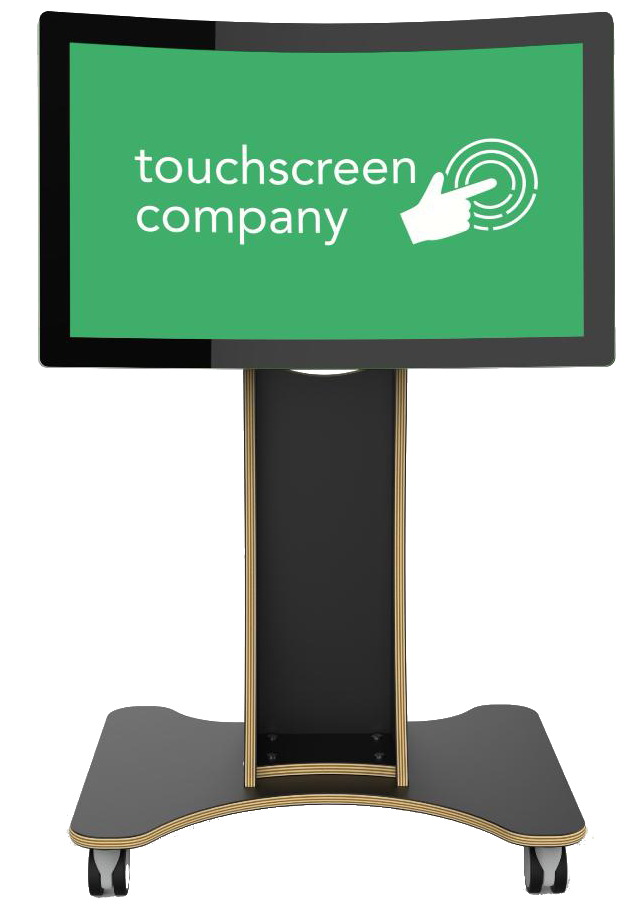
Touchscreen solutions are becoming an exciting part of early years education, giving young children engaging ways to learn, play, and explore together. From interactive storybooks and counting games to creative drawing activities, they encourage curiosity, develop essential skills, and make learning fun for every child.
Touchscreen Company provides purpose-built touchscreen technology specifically for nurseries. With easy setup, friendly UK-based support, and a focus on safety and child-friendly design, the company helps nurseries create vibrant, interactive spaces that inspire early learning and teamwork.
- How to Choose the Best Touchscreen for Your Nursery in 2025?
- Features Every Nursery Touchscreen Should Include
- How Can Touchscreens Make Learning More Fun?
- What Installation and Support Does Touchscreen Company Offer?
- FAQs
- Conclusion
How to Choose the Best Touchscreen for Your Nursery in 2025?
Choosing the best touchscreen for nurseries in 2025 means focusing on technology that is safe, engaging, and built to withstand busy early years environments. Start by looking for touchscreen solutions that are specifically designed for young children, with features like durable screens, rounded edges, and stable stands to ensure safety.
Next, consider the size and height of the screen. A touchscreen for nurseries should be easily accessible for children aged 2–5, encouraging independent interaction while still allowing group activities. Look for multi-touch capability so several children can use the screen at once, promoting social learning.
It’s also important to choose touchscreen solutions that come with educational, age-appropriate content. Activities like interactive storytelling, counting games, and creative drawing apps can enhance early learning and keep children engaged. Finally, check whether the supplier offers reliable installation, training, and after-sales support to make the integration into your nursery smooth and successful.
5 Features Every Nursery Touchscreen Should Include
When choosing a touchscreen for a nursery, it’s important to look beyond just the screen size or brand name. The right device should be safe, engaging, and built to withstand the demands of a busy early years environment. Here are the five must-have features:
- Child-Safe Design
Rounded corners, shatterproof glass, and sturdy construction are essential to keep little ones safe during active play and learning. - Multi-Touch Capability
Allows multiple children to interact with the screen at once, encouraging group activities, teamwork, and shared learning experiences. - Age-Appropriate Content
Pre-loaded educational apps, games, and creative tools designed for ages 2–5 help develop early literacy, numeracy, and problem-solving skills. - Easy Mobility and Setup
Portable designs with lockable wheels and adjustable height options make it simple to move the touchscreen between classrooms or activity areas. - Durability for Daily Use
Robust build quality and responsive touch technology ensure smooth performance and a long lifespan, even with frequent use by small hands.
Touchscreen Company provides nursery-focused solutions that combine all these features, helping educators deliver safe, fun, and educational digital experiences every day.
How Can Touchscreens Make Learning More Fun?
Touchscreens for nurseries make learning fun by turning lessons into interactive play. Bright visuals, sounds, and easy touch controls help children explore counting, stories, and creativity. Here are 5 ways touchscreens make learning more fun
- Interactive and Engaging Activities
Touchscreens offer colorful, interactive games and apps that respond to children’s touches and gestures, keeping their attention and making learning feel like play. - Encourages Creativity
With drawing, painting, and storytelling apps, children can express themselves creatively, experimenting with colors, shapes, and sounds in a fun, hands-on way. - Supports Collaborative Play
Many touchscreen setups allow multiple children to interact at once, promoting teamwork, sharing, and social skills through group activities and games. - Instant Feedback and Rewards
Touchscreen activities often give immediate responses and rewards, like sounds or animations, which motivate children to keep trying and learning. - Adapts to Different Learning Styles
Touchscreens can cater to visual, auditory, and kinesthetic learners by combining images, sounds, and touch-based interaction to suit each child’s unique way of understanding.
What Installation and Support Does Touchscreen Company Offer?
Touchscreen Company provides complete installation and support to make adding touchscreen technology to your nursery straightforward. As a trusted UK supplier, the company offers professional delivery and setup so your touchscreen is ready to use from day one.
The UK-based customer service team offers clear guidance, answers questions, and provides ongoing assistance whenever required. From staff training to software setup for early years learning, Touchscreen Company ensures nurseries can confidently use their new technology from the start.
FAQs
- What age group is touchscreen technology best suited for in nurseries?
Touchscreen technology is ideal for children aged 2 to 5 years, as it encourages interactive learning, motor skill development, and sensory engagement in a safe and accessible way.
- Are touchscreen devices safe for young children in nursery settings?
Yes, modern touchscreens designed for nurseries come with child-safe features like rounded edges, toughened glass, and durable materials to prevent accidents. Many are also easy to clean and built to withstand daily use.
- How can touchscreens enhance learning in nurseries?
Touchscreens offer hands-on, interactive activities that support early literacy, numeracy, creativity, and social skills.They stimulate several senses at once, making learning both fun and more effective for young children.
- What should nurseries look for when choosing a touchscreen device?
Nurseries should consider screen size, multi-touch capability, safety features, ease of cleaning, durability, and availability of age-appropriate educational software when selecting a touchscreen device.
- Do nurseries need special training to use touchscreen technology effectively?
While touchscreens are user-friendly, basic training for nursery staff helps maximize their educational potential and ensures smooth integration into daily activities. Support from suppliers often includes training and technical assistance.
Conclusion
Choosing the right touchscreen for your nursery means prioritizing safety, durability, and interactive features that enhance early learning. With thoughtful design and dependable support, touchscreens can transform nursery environments into engaging spaces where children explore, play, and grow.