
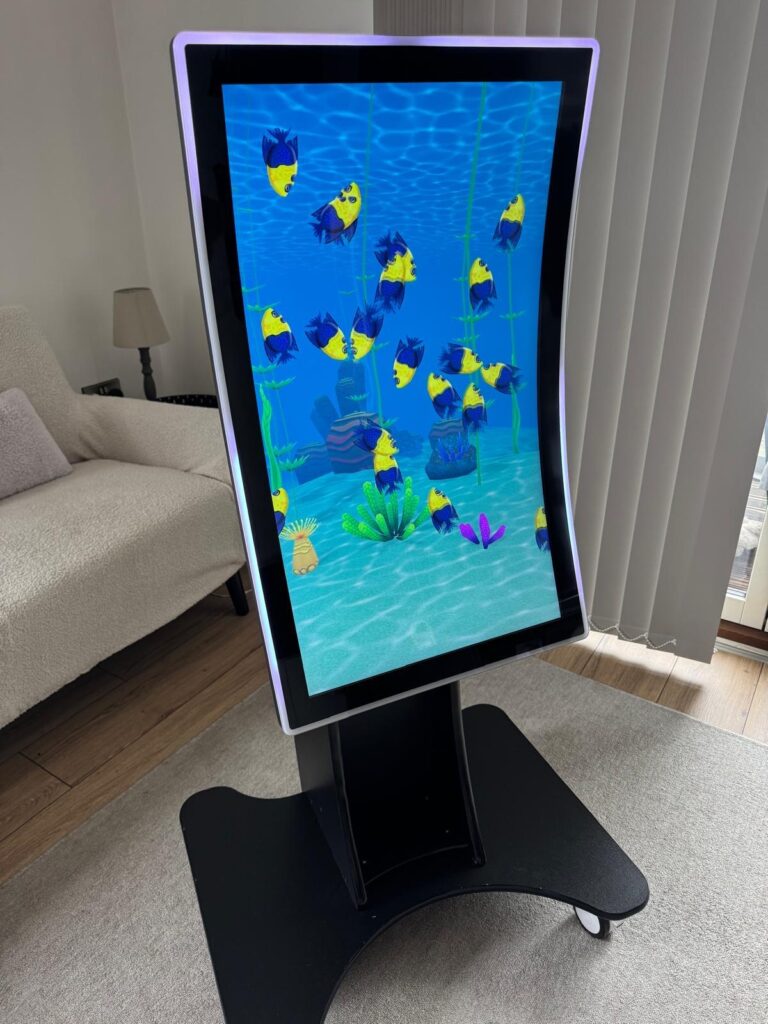
Looking after your touchscreen devices does not have to be complicated. With a few simple steps, you can keep your screens clear, responsive, and built to last.
Whether they are used at home, supporting learning in schools, or enhancing engagement in care homes, a little regular care makes a big difference. Consistent maintenance protects your investment and ensures your devices remain reliable and easy to use every day.
Table of Content
- What Are the 5 Essential Tips for Maintaining Your Touchscreen?
- What Are the Best Methods to Clean a Touchscreen Safely?
- What Are the Best Practices to Avoid Touchscreen Malfunctions?
- Why Choose Touchscreen Company for the Best Touchscreen Devices?
- FAQs
- Conclusion
What Are the 5 Essential Tips for Maintaining Your Touchscreen?
Maintaining your touchscreen device doesn’t have to be complicated. By following a few simple practices, you can ensure it stays responsive, clean, and long-lasting. Here are five essential tips:
- Clean Regularly but Gently – Use a soft, lint-free cloth to wipe your screen.Steer clear of harsh chemicals or rough materials, as they may harm the screen. A slightly damp cloth with water or a screen-safe cleaner works best.
- Protect From Scratches – Consider using a screen protector to shield your device from everyday wear and tear. This is especially important in environments like schools or care homes, where devices get frequent use.
- Avoid Excessive Pressure – Touchscreens are sensitive, so pressing too hard can damage the device. Use a light, steady touch when navigating your screen.
- Keep Away From Extreme Temperatures – Don’t leave your touchscreen in direct sunlight, near heaters, or in very cold places. Extreme temperatures can affect performance and reduce the device’s lifespan.
- Update Software Regularly – Keeping your device’s software up to date helps maintain smooth performance and prevents glitches that can affect touchscreen responsiveness.
By following these tips, you’ll keep your touchscreen working efficiently and looking great for years to come.
What Are the Best Methods to Clean a Touchscreen Safely?
Cleaning your touchscreen properly is essential to keep it looking clear and working smoothly. The safest approach is to use a soft, lint-free cloth – a microfiber cloth works perfectly. Lightly dampen it with water or a screen-safe cleaning solution, and gently wipe the surface. Avoid using harsh chemicals, alcohol, or paper towels, as these can scratch or damage the screen.
It’s also a good idea to turn off the device before cleaning, so you don’t accidentally trigger any functions. For stubborn smudges or fingerprints, use gentle circular motions rather than pressing hard. Regular, careful cleaning not only keeps your touchscreen hygienic but also extends its lifespan and ensures it responds accurately to your touch.
What Are the Best Practices to Avoid Touchscreen Malfunctions?
To keep your touchscreen devices working smoothly, it is important to follow a few simple best practices. Always handle your devices with care and avoid pressing too hard or using sharp objects that could damage the screen. Regular cleaning is essential; use a soft, lint-free cloth and gentle cleaning solutions designed for screens to prevent dirt and grime from affecting performance.
Using a high-quality screen protector or case can prevent scratches and accidental drops. Keep your touchscreen away from extreme temperatures and moisture, as these can affect responsiveness and longevity. Make sure your device’s software is kept up to date, as updates often include fixes that improve touchscreen functionality.
By following these practices, you can enjoy a responsive, long-lasting touchscreen that continues to perform at its best.
Why Choose Touchscreen Company for the Best Touchscreen Devices?
Touchscreen Company is a trusted UK supplier dedicated to making touchscreen technology simple and effective for care homes, schools, and offices. They provide full installation, professional setup, and ongoing support so your touchscreen solution is fully operational from day one.
Their UK-based customer service team offers clear guidance, responds to queries promptly, and provides continuous assistance as needed. From staff training to configuring software tailored to specific requirements, Touchscreen Company helps organisations confidently adopt touchscreen technology, ensuring devices remain reliable, user-friendly, and impactful for everyday use.
FAQs
1: What are the most important maintenance tips for touchscreen devices?
The five essential tips include cleaning your screen regularly, using a screen protector, avoiding excessive pressure, keeping the device away from extreme temperatures, and updating the software. Following these steps helps maintain responsiveness and prolong the life of your touchscreen device.
2: How often should I clean my touchscreen?
It is best to clean your touchscreen at least once a week, or more often if it is used frequently. Regular cleaning removes dust, fingerprints, and bacteria, keeping the screen responsive and hygienic.
3: What is the safest way to clean a touchscreen?
Use a soft, lint-free microfiber cloth slightly dampened with water or a screen-safe cleaner. Avoid harsh chemicals or abrasive materials, which can damage the screen or protective coatings.
4: Are screen protectors necessary for touchscreen devices?
While not essential, screen protectors add an extra layer of protection against scratches, smudges, and minor impacts. They are particularly useful in high-traffic environments like schools, offices, or care homes.
5: Can software updates affect touchscreen performance?
Yes, regular software updates can improve touchscreen responsiveness and fix bugs. Keeping your device’s operating system and apps up to date ensures smooth performance and compatibility with new features.
Conclusion
Maintaining your touchscreen devices doesn’t have to be complicated. By following these five essential tips, you can keep your screens clean, responsive, and long-lasting.
Regular care ensures your devices continue to perform at their best, whether at home, in schools, or in care homes. A little attention goes a long way in protecting your investment and making everyday use effortless.